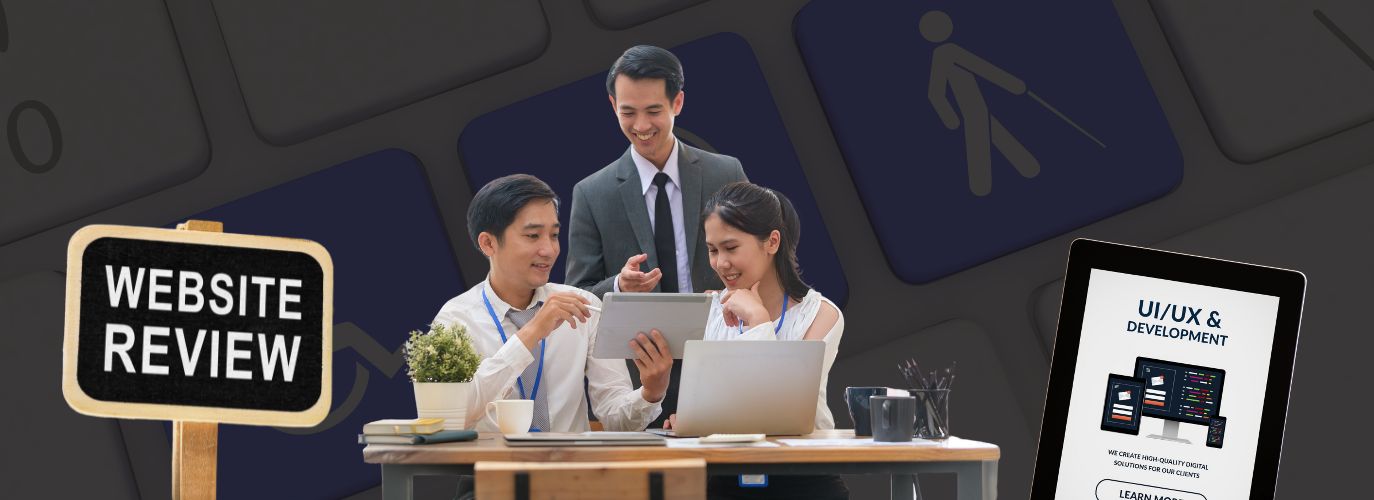
Why Website Accessibility Matters
Making your website accessible means ensuring that everyone, including people with disabilities, can use and navigate your site easily, but accessibility is creating a better experience for all users. An accessible website improves user engagement, boosts SEO performance, and helps you stay compliant with important regulations like the Web Content Accessibility Guidelines (WCAG) and the Americans with Disabilities Act (ADA).
For businesses, accessibility is also a practical investment. It opens your website to a wider audience, reduces the risk of legal issues, and reflects a commitment to providing equal access to information and services.
Key Steps to Build an ADA Compliant Website
1. Follow WCAG Guidelines
The WCAG framework sets the global standard for accessible web design. It’s built around four key principles:
- Perceivable – Provide alternatives for non-text content, such as descriptive alt text for images or captions for videos.
- Operable – Make sure users can navigate the site using a keyboard, with clear focus indicators on interactive elements.
- Understandable – Keep language simple and layouts consistent so that information is predictable and easy to follow.
- Robust – Ensure the site works well with assistive technologies like screen readers.
2. Use Semantic HTML for Better Structure
Good accessibility starts with good structure. Using semantic HTML ensures that screen readers and other tools can interpret your content accurately. Some best practices include:
- Organizing content with proper heading levels (<h1> to <h6>).
- Associating form fields with <label> tags.
- Using ARIA landmarks where needed for complex components.
For businesses offering web design and development, adopting these practices can streamline accessibility from the foundation up. You can learn more about how we approach this on our web solutions page.
3. Make Navigation Easy with Keyboard and Screen Reader Support
Many users rely on keyboards or assistive technologies. To make your site usable for everyone:
- Check if users can navigate menus, forms, and buttons using only the keyboard.
- Ensure there’s a visible focus indicator on links and interactive elements.
- Test the site with screen readers to confirm content is read in the correct order.
4. Optimize Color Contrast and Text Readability
Visual clarity matters. Following WCAG 2.1 standards for color contrast ensures that text is readable, even for users with visual impairments:
- Maintain at least a 4.5:1 contrast ratio between text and background.
- Avoid relying solely on color to convey meaning, use text labels or icons to reinforce important information.
5. Provide Text Alternatives for Media Content
Not everyone consumes content in the same way. To make media more inclusive:
- Add meaningful alt text to images and icons.
- Provide transcripts for videos and audio files.
- Use descriptive link text, such as “Read our accessibility policy,” rather than vague phrases like “Click here.”
6. Test Regularly with Tools and Real Users
Accessibility is an ongoing process. Regular testing helps identify issues before they affect your visitors:
- Use automated tools like WAVE, Axe, or Lighthouse to catch common problems.
- Test with screen readers such as NVDA, JAWS, or VoiceOver.
- Whenever possible, involve real users with disabilities to gain direct feedback on usability.
The Benefits of Building an Accessible Website
Prioritizing accessibility brings long-term advantages:
- Improved SEO – Search engines prefer sites that follow structured, accessible practices.
- Wider Audience Reach – Around 15% of the global population lives with some form of disability, representing millions of potential visitors.
- Reduced Legal Risk – Meeting recognized standards like WCAG helps minimize the chance of facing ADA-related lawsuits.
Taking the Next Step
Building an accessible website is creating an inclusive, user-centered experience that benefits everyone. Whether you’re launching a new site or improving an existing one, addressing accessibility is a practical way to strengthen your digital presence.
If you need help implementing these strategies or want to audit your current site, get in touch with us to explore how we can support your accessibility and web design goals.